How to Monitor Elderly Parents Without Cameras: Privacy-Friendly Options
Non-intrusive ways to monitor elderly parents' safety using motion sensors, activity trackers, and smart home systems.

The Privacy Dilemma of Caring From a Distance
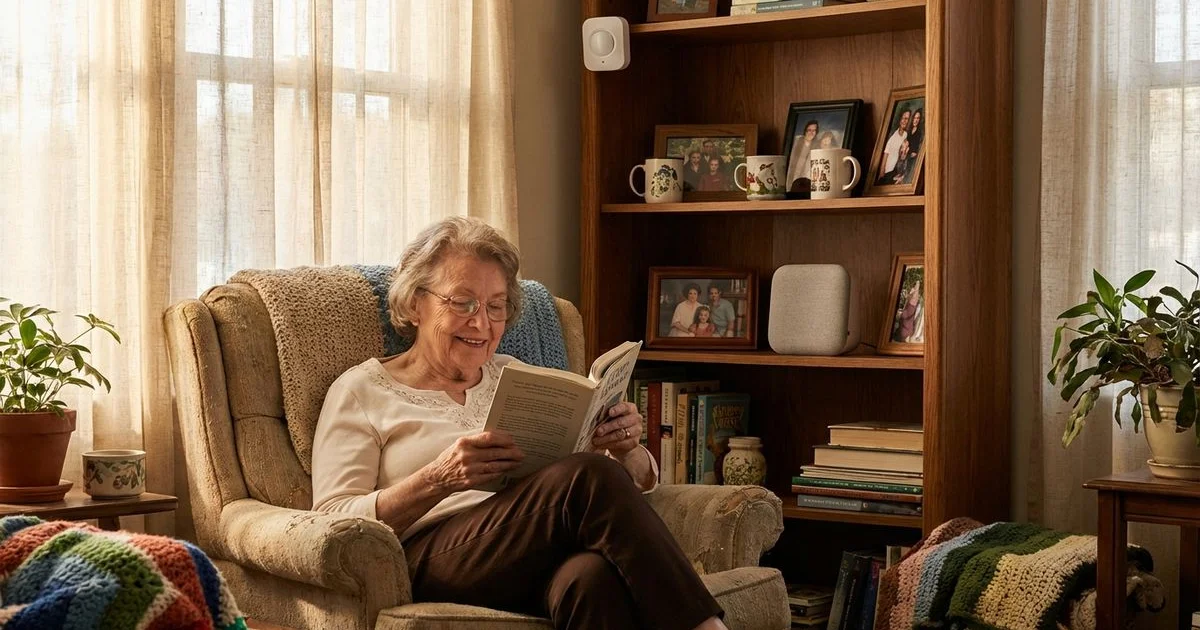
We often see families paralyzed by a difficult choice: protecting a parent’s safety versus respecting their dignity. You want to know they are safe, but the moment you suggest installing cameras, the conversation usually stops cold. No one wants to feel watched in their own private sanctuary. Cameras in sensitive areas like bedrooms or bathrooms are a fundamental violation of privacy that most seniors rightfully reject.
Fortunately, the technology landscape has shifted significantly in 2026. We now have access to advanced tools that provide deep insights into daily wellness, detect anomalies, and send emergency alerts without recording a single frame of video. These modern systems respect your parent’s boundaries while giving you the necessary data to rest easy.
Our team has helped hundreds of families implement these privacy-friendly monitoring configurations. We have found that the most effective solutions are often more affordable and accurate than video-based alternatives.
Here is how to monitor elderly parents without cameras: privacy-friendly options that actually work.
Approach 1: Motion and Presence Sensor Networks
Motion sensors are the backbone of any non-intrusive system. These small, wireless devices detect movement patterns without identifying the person or generating an image.
How They Work
Each sensor monitors a specific zone and logs activity to a central hub or secure cloud app. Over the first few weeks, the system “learns” your parent’s baseline routine. It notes when they typically wake up, how long they spend in the kitchen, and when they settle in for the night. If the system detects a significant deviation—like no kitchen activity by 10:00 AM—it triggers an alert to your phone.
The Difference Between Motion and Presence
We always clarify a critical technical distinction to our clients. Standard Passive Infrared (PIR) sensors only detect movement. If your parent sits still to read for an hour, a standard sensor might report “no activity.”
Newer mmWave (millimeter wave) sensors, such as the Aqara FP2, detect presence. These advanced sensors track micro-movements like breathing. This means they know someone is in the room even if they are completely still. We recommend using presence sensors in the living room and standard motion sensors in hallways.
Where to Place Sensors
Strategic placement provides a full picture without over-monitoring.
| Location | Sensor Type | Insight Gained |
|---|---|---|
| Bedroom Doorway | Motion (PIR) | Wake-up times and sleep duration |
| Bathroom Interior | Presence (mmWave) | Fall detection (via stillness) without cameras |
| Kitchen Area | Motion (PIR) | Meal preparation frequency |
| Front Door | Contact Sensor | Arrivals, departures, and wandering risks |
| Medicine Cabinet | Contact Sensor | Medication adherence |
Insider Tip: Do not place standard motion sensors near HVAC vents or sunny windows. Rapid temperature changes can trigger false alarms, which causes unnecessary panic.
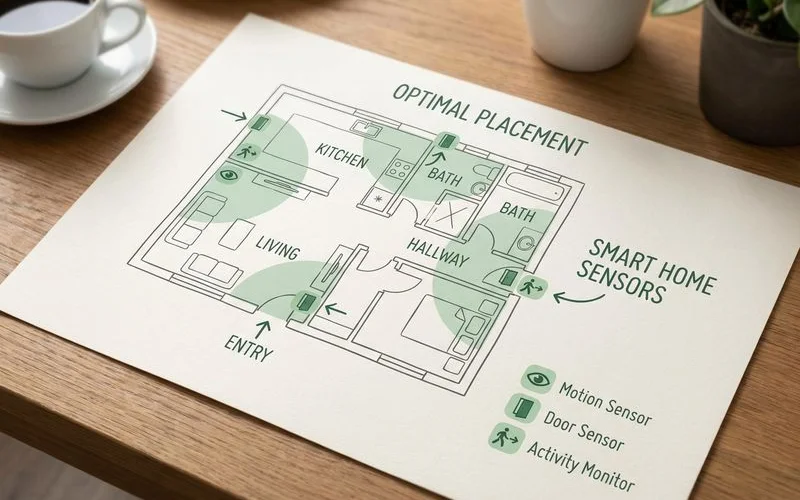 Strategic sensor placement creates comprehensive monitoring without a single camera
Recommended Systems
Ecobee Smart Security: This is often the easiest entry point for families. Their SmartSensors ($50/pair) pair with the thermostat to track occupancy. The “Haven” subscription ($5/month) adds professional monitoring features.
Caregiver Smart Solutions: We frequently recommend this for families who want a dedicated “set it and forget it” system. It tracks activity, sleep, and bathroom patterns specifically for seniors. Hardware kits start around $299, with monitoring fees near $39/month.
Aqara Smart Home Setup: For tech-savvy families, building a custom system with Aqara hubs and sensors is the most cost-effective route. You can outfit a standard 2-bedroom home for under $200 total, with no monthly fees if you self-monitor.
Approach 2: Smart Home Utility Monitoring
You can learn a surprising amount about a person’s well-being simply by monitoring the utilities they use. This method is incredibly passive and requires zero interaction from your parent.
Electricity Usage Patterns
Smart plugs and whole-home energy monitors act as digital heartbeats for a home. The coffee maker turning on at 7:00 AM, the microwave running at noon, and the TV powering down at 10:00 PM create a confirmable “signature” of life.
Sense Energy Monitor: This device installs inside the electrical panel. It uses machine learning to identify specific appliances. If the stove has been on for four hours, or the toaster oven hasn’t run in two days, you get an alert. The unit costs approximately $300, but there is no monthly subscription.
Kasa Smart Plugs: For a simpler solution, we use these $15 plugs on key appliances like the coffee pot or bedside lamp. You can check the app to see the “Last On” time instantly.
Water Usage Monitoring
Water usage is a strong indicator of daily hygiene and nutrition. Smart water monitors like the Flo by Moen track flow rates and pressure.
We look for two specific danger signals with these devices. First, continuous usage suggests a leak or a faucet left running. Second, a total lack of usage by midday suggests your parent may not have started their morning routine. The device automatically shuts off water if a catastrophic leak is detected, potentially saving thousands in damage.
Door and Window Sensors
Simple contact sensors are inexpensive and highly effective. They consist of two magnetic pieces that trigger a signal when separated. Placing these on the refrigerator is one of our favorite low-tech hacks.
- Refrigerator: Confirms eating habits without asking.
- Front Door: Alerts you if the door opens at 3:00 AM.
- Medicine Cabinet: Verifies the daily medication routine.
Approach 3: Wearable Activity Trackers
Wearables are excellent, but they have one major point of failure: the user must remember to wear them. We find this approach works best for active seniors who already wear a watch.
Critical Features to Look For
- Fall Detection: This is non-negotiable in 2026. The device must identify a hard fall and auto-dial help.
- Battery Life: If the battery dies in 18 hours, your parent will likely forget to put it back on after charging.
- Passive Health Metrics: Look for heart rate variability and blood oxygen tracking.
Best Wearables for Seniors (2026 Comparison)
| Device | Battery Life | Monthly Cost | Best Feature |
|---|---|---|---|
| Apple Watch SE (Gen 3) | 18 Hours | $10 (carrier fee) | Best-in-class fall detection algorithm |
| Garmin Venu 3 | 10-14 Days | Free App | Incredible battery life; requires less charging |
| Medical Guardian MGMove | 24 Hours | $39.95 | Dedicated SOS button with GPS tracking |
| Withings ScanWatch 2 | 30 Days | Free App | Looks like a classic analog watch (non-intrusive) |
Pro Tip: If your parent has arthritis, standard watch buckles are frustrating. We strongly suggest replacing the stock band with a velcro “sport loop” or a magnetic band. It makes putting the device on much easier, which increases compliance.
Approach 4: Wellness Check-In Systems
Sometimes the simplest technology is the most effective. Automated check-in systems put the control in your parent’s hands.
How Check-In Systems Work
These systems initiate a contact attempt at a specific time every day. Your parent simply presses a button or answers a voice prompt to confirm they are okay. If they miss the window, the system escalates the alert to you.
Amazon Alexa Together: This service ($19.99/month) allows you to set up an “Actionable Routine.” Alexa can ask, “Good morning, are you up?” If your parent answers, you get a notification. If they don’t, you get an alert. It also includes a 24/7 urgent response line.
Snug Safety: This is a free smartphone app for seniors who are comfortable with touchscreens. It requires a daily “check-in” button press.
CareCalm: This service uses a standard landline or cell phone call. It is ideal for seniors who resist new gadgets. Cost is generally around $15/month.
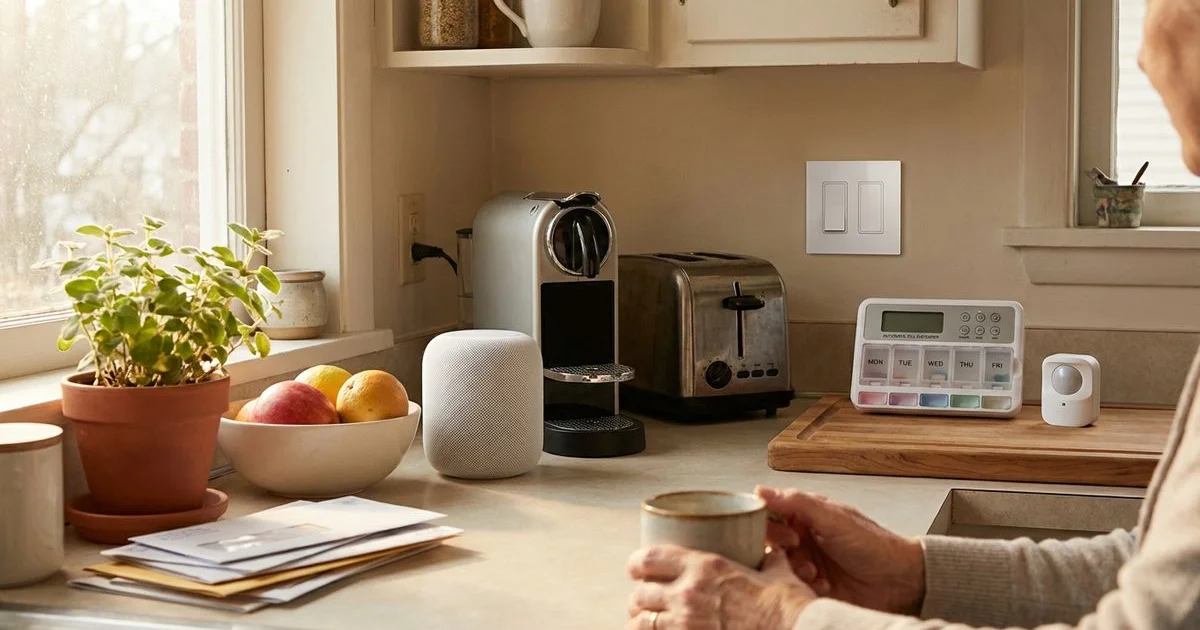
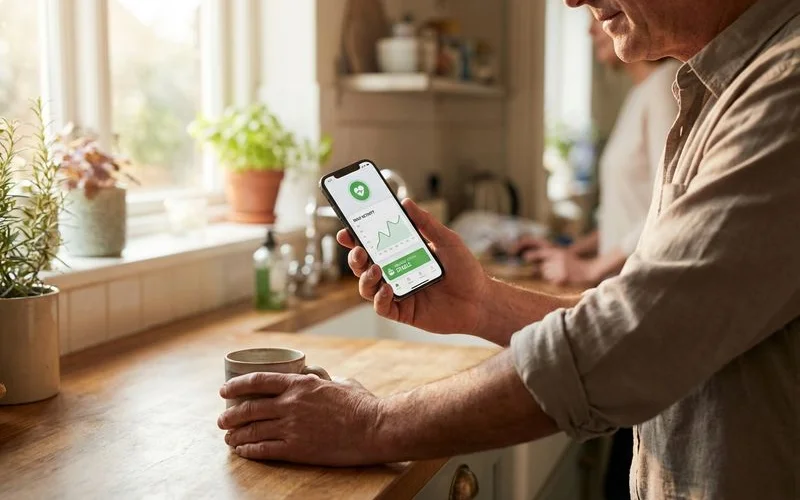 Activity monitoring apps provide peace of mind without compromising your parent’s dignity
Approach 5: AI-Powered Radar Analysis
The frontier of monitoring technology in 2026 is 4D imaging radar. This technology sees “through” privacy.
What AI Can Detect
These systems use radio waves to map the environment. They do not see faces or skin; they see point clouds of data.
- Gait Analysis: Detects if your parent is shuffling or walking slower than usual (a precursor to falls).
- Sleep Quality: Tracks tossing, turning, and respiration rates.
- UTI Indicators: AI notices if bathroom frequency increases suddenly over 24 hours.
Vayyar Care: This touchless system mounts on the wall like a smoke detector. It scans the room for falls and activity levels using radio waves. It works in complete darkness and even through steam in a shower. The hardware typically costs around $250, with a subscription fee near $30/month.
Having the Conversation With Your Parent
Success depends 90% on communication and 10% on hardware. We advise framing the conversation around “independence” rather than “safety.”
- Focus on “Staying Put”: Say, “These tools are what will allow you to stay in this house for another five years.”
- The “Trojan Horse” Strategy: If they resist monitoring, install smart sensors for “home security” or “energy savings.” A door sensor is a burglar alarm to them, but a wellness monitor to you.
- Start with the Kitchen: Ask for permission to monitor just the coffee maker or fridge. It is low-stakes and proves the technology isn’t invasive.
- Show Them the Data: Many seniors enjoy seeing their sleep scores or step counts. It turns the process into a health goal rather than surveillance.
Building Your Monitoring Plan
There is no “one size fits all” solution. A parent with dementia requires a different setup than a parent with mobility issues. As part of a comprehensive home safety assessment, we analyze the specific risks in the home to tailor the technology.
We recommend starting with a layered approach. Combine a passive utility monitor (like a smart plug) with a fall-detection wearable. This covers both home activity and physical safety. You can layer in additional smart home monitoring tools later if their health needs change.
Your goal is to extend their independence, not to restrict it. With the right privacy-first tools, you can be the supportive safety net they need without becoming the “Big Brother” they fear.
Ready to Take Action?
Learn more about our comprehensive smart home monitoring solutions and how they can help your family.
Explore Smart Home Monitoring About Margaret Chen
Certified Aging-in-Place Specialist & Senior Care Advisor
CAPS-certified senior care advisor with 15+ years helping families plan for safe aging at home.
Related Articles
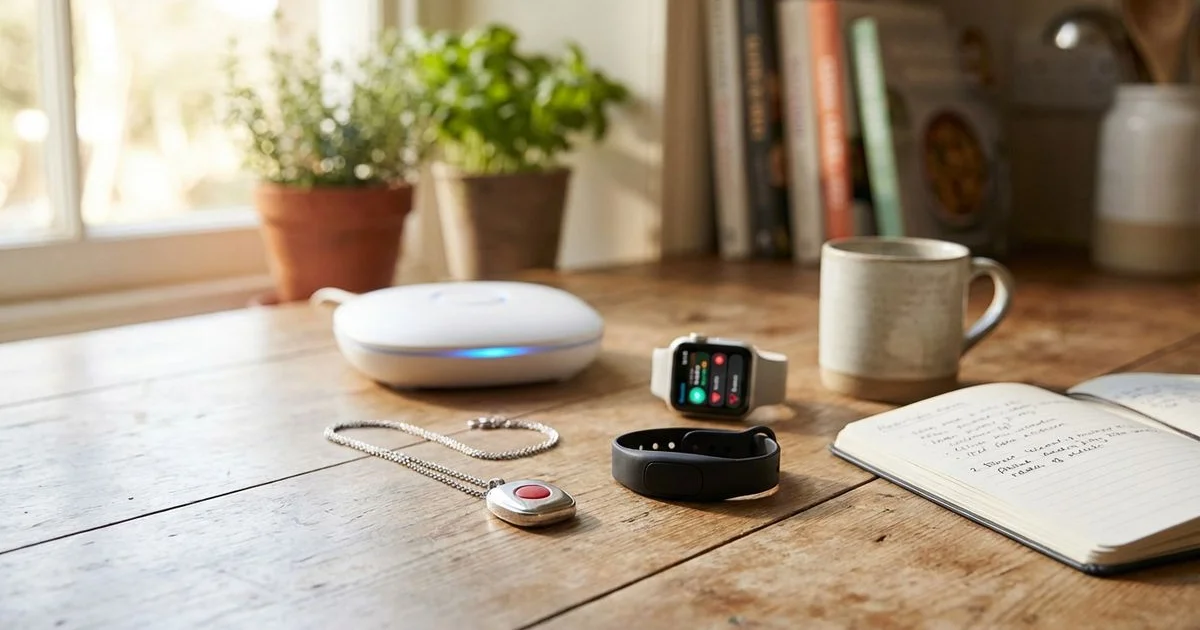
Best Medical Alert Systems for Seniors in 2026: Expert Comparison
In-depth comparison of top medical alert systems including fall detection, GPS, and monitoring features.
10 Smart Home Devices That Help Seniors Age in Place Safely
From automatic stove shut-offs to smart medication dispensers — the most useful smart home technology for senior safety.